42 entries · project requirements can change
Browser games with a documented start path
These entries have a documented browser launch path in the reviewed project page or instructions. That label only describes how the project starts; it is not a claim that the game is small, instant, officially published or available on every device.
First loads can fetch substantial game data, and device support depends on the project’s stated controls. Open an individual guide for source notes and current requirements, then use the project’s settings and support page if its instructions have changed.

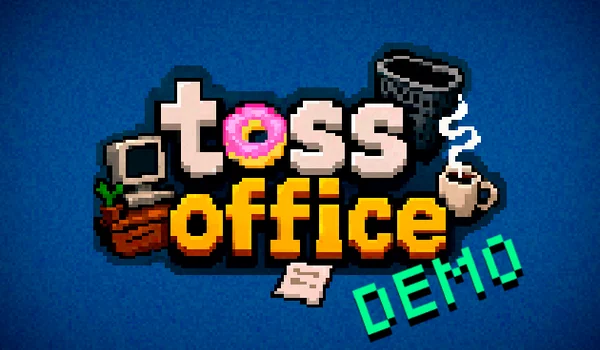
Throw paper, shred documents and buy upgrades in Ravenous Den’s incremental office game. This entry opens the browser demo on itch.io.
Inspect a strange laboratory and improve its production in Funday Games’ incremental mystery. This entry opens the browser demo of The Margot Collapse.

Answer your visitors with yes or no and guide a growing kingdom in Graeme Borland’s Sort the Court! This entry links to the creator’s browser version on itch.io.
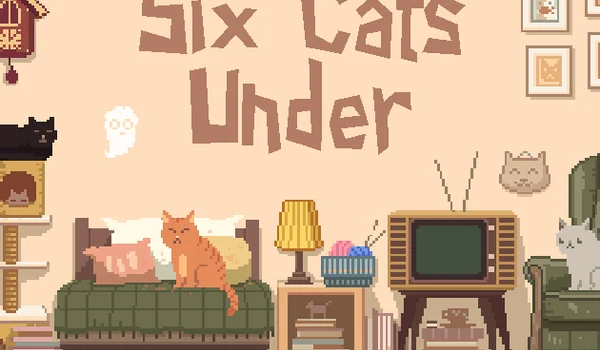
Help a household of cats escape by influencing objects as a ghost in Six Cats Under. Team Bean Loop’s short point-and-click puzzle is available in the browser on its creator page.

Frame scenes with a camera in Nicky Case’s short interactive game about news and social feedback. The creator’s browser release contains escalating conflict and violence.

Explore a stranger’s computer and uncover its story in qwook’s last seen online. This browser escape-room puzzle uses a simulated desktop and includes horror themes.
Match directional notes to the music in Friday Night Funkin’. The Funkin’ Crew’s creator page offers the browser game alongside separate downloadable versions.
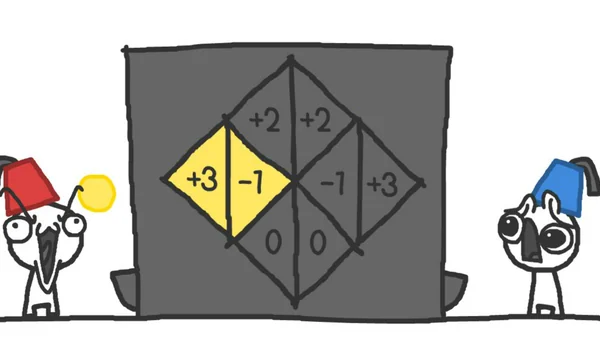
Experiment with cooperation and competition in Nicky Case’s interactive guide to trust. Choices and simulations introduce ideas from game theory directly in the browser.

Build cookie production through clicks, buildings and upgrades in Orteil’s Cookie Clicker. This link opens the DashNet browser edition; Steam and Android releases have separate links.

Combine items and discover new elements in Recloak’s Little Alchemy 2. The original browser game presents discoveries with illustrations and short descriptions.
Begin in a quiet room and follow an unfolding text adventure in doublespeak games’ A Dark Room. The original web edition uses a minimalist interface with choices revealed as the story progresses.
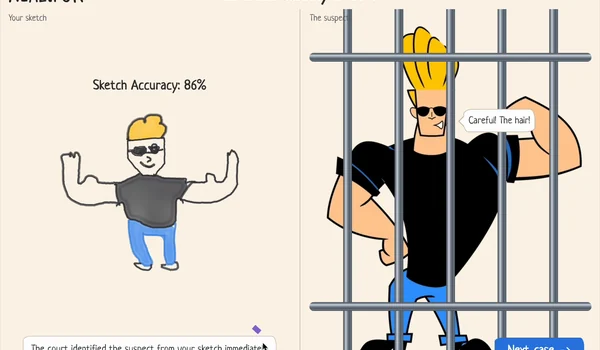
Draw a suspect from witness descriptions in Neal Agarwal’s Unusual Suspects. This browser drawing game compares your sketch with the suspect, then offers another case.
Combine elements and discover new creations in Infinite Craft, Neal Agarwal’s browser crafting game. Experiment with different pairs on the original Neal.fun site.
Build a password that satisfies increasingly elaborate rules in The Password Game. Neal Agarwal’s browser puzzle turns a familiar password field into a sequence of connected challenges.

Start with a single button in Stimulation Clicker, Neal Agarwal’s browser clicker game. Earn stimulation and spend it on upgrades as the page fills with more distractions.
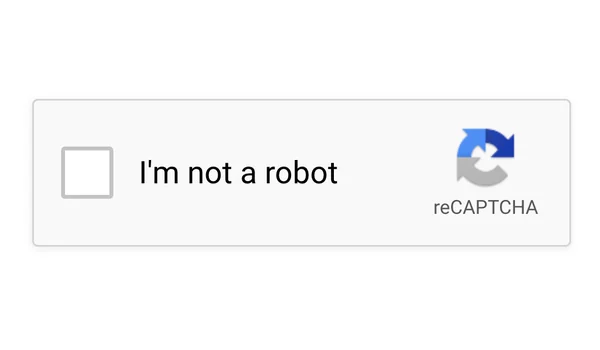
Solve playful CAPTCHA-style challenges in I’m Not a Robot on Neal.fun. The browser puzzle begins with a checkbox and changes the task as you advance through its levels.

Drive along endless procedural roads in the free Slow Roads browser game by Anslo. Choose scenery and a vehicle for a relaxed journey; the paid offline Web Edition is a separate download.
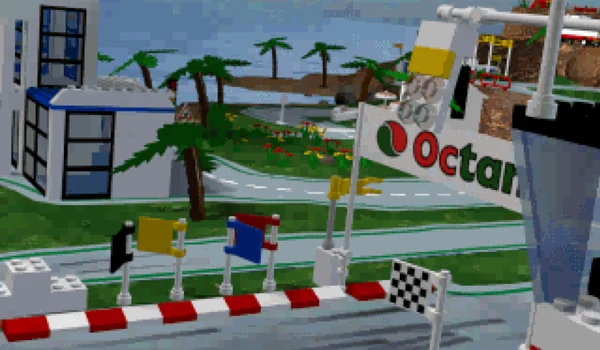
Explore the 1997 LEGO Island through the isle.pizza open-source browser recreation. This project brings the island adventure to the web; it is separate from later LEGO games.
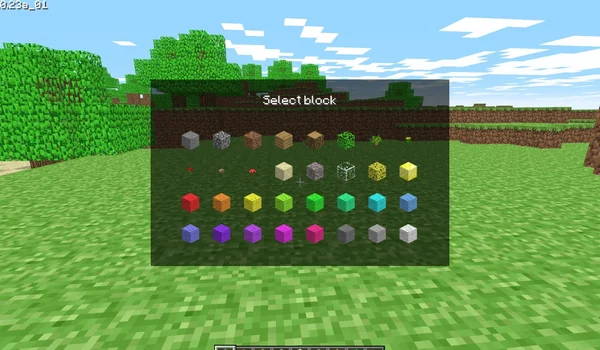
Mojang’s browser release revisits Minecraft’s 2009 creative building experience with 32 blocks. It requires a keyboard and a browser with WebGL and WebRTC; it is not current Java or Bedrock Edition.
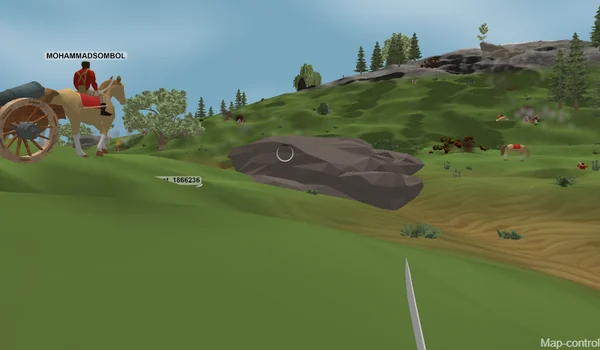
Yp3d’s browser battlefield combines muskets, cavalry, cannons and warships around fort-capture objectives. Use a modern WebGL 2 browser; Chrome, Edge and Brave are recommended by the developer.
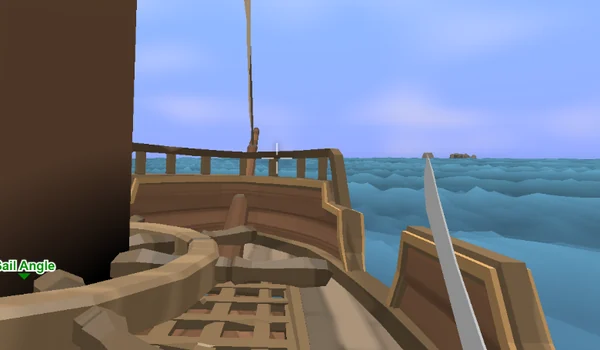
Sail a warship and join other crews in Yp3d’s multiplayer browser pirate game. Naval battles and boarding share the same ocean; the original site provides ship and deck-control guidance.
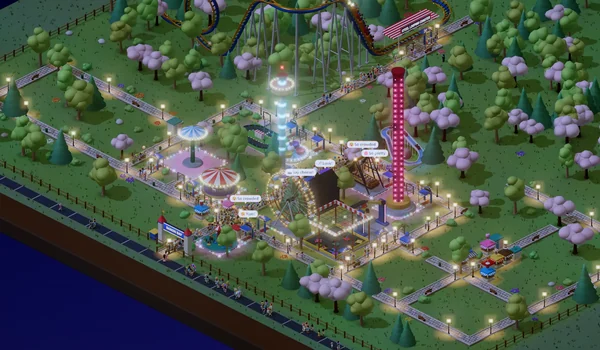
Build roller coasters, place rides and manage a theme park in Park Baron. The creator designs the game for a computer with mouse and keyboard; free play and optional Premium content are explained on the original site.
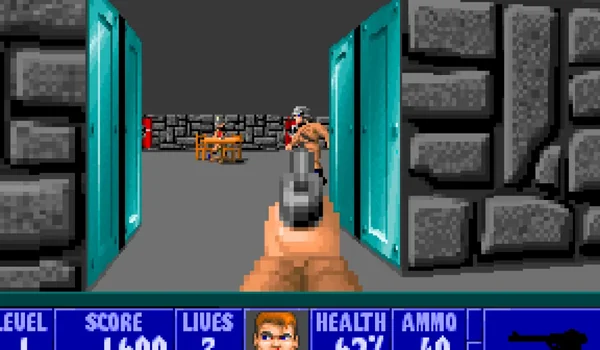
This DOS.Zone entry runs the 1992 Wolfenstein 3D through a browser player. It is a different game and destination from Return to Castle Wolfenstein in the Radiant Optimizer source list.
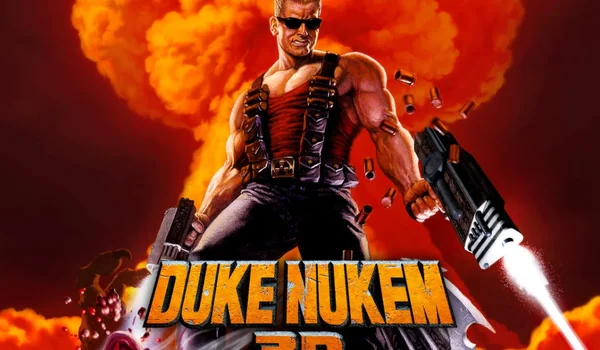
Open DOS.Zone’s browser entry for the 1996 Duke Nukem 3D. Its player and dedicated multiplayer destination provide separate ways to explore this classic shooter.
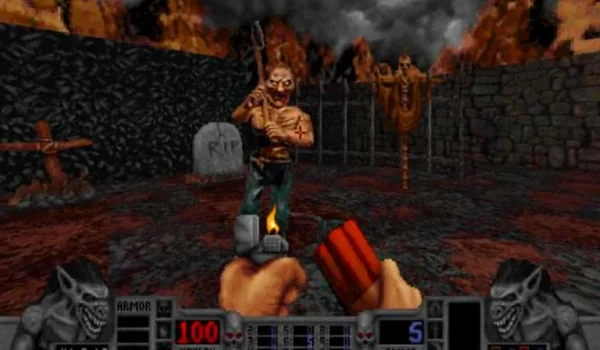
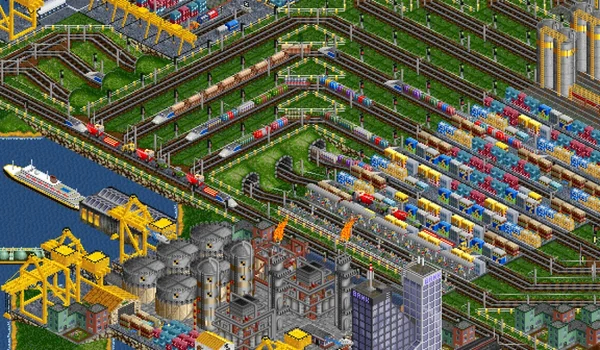

DOS.Zone’s Dune II page identifies the browser project as Open Dune. Explore the classic real-time strategy game through that host’s player and read its controls before directing units.
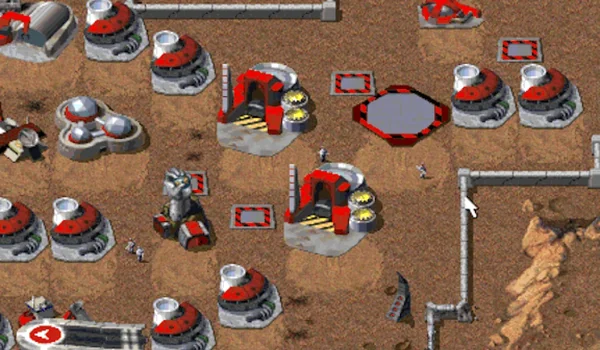
Find DOS.Zone’s browser entry for the 1995 Command & Conquer. This classic RTS has its own game player; use the host’s settings for mouse and keyboard input.
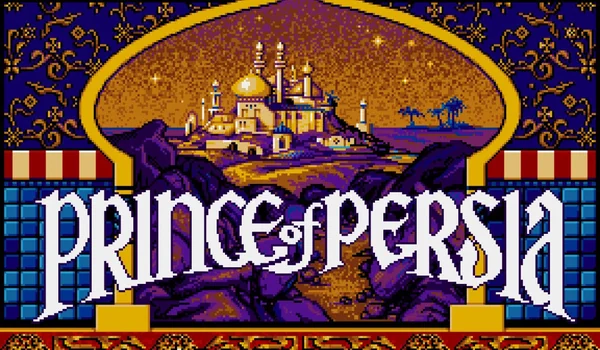
This browser entry points to the classic DOS Prince of Persia hosted by DOS.Zone. Use its player for the timed platforming adventure; it is separate from later games in the series.
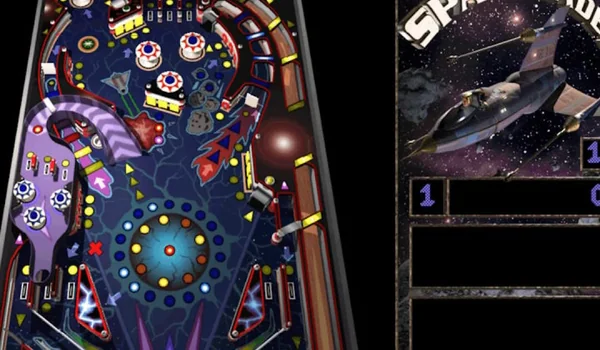
Rediscover Microsoft’s Space Cadet pinball through the DOS.Zone browser entry. The host provides a game player and describes mobile controls alongside the classic table.
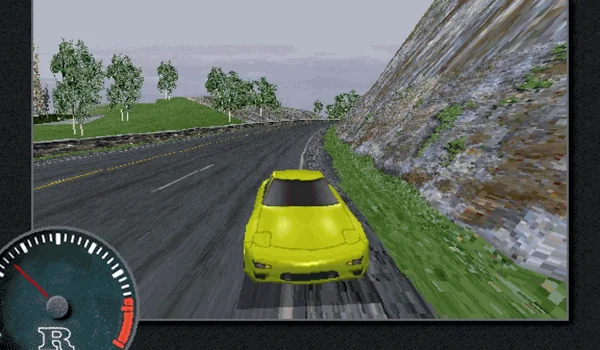
DOS.Zone hosts a browser entry for the original 1995 The Need for Speed. This is the classic racing title, with its own player and controls rather than a modern series release.
Find the Heroes of Might and Magic II browser entry on DOS.Zone. This turn-based strategy title has a dedicated player and multiplayer link; use the II entry to distinguish it from Heroes III.
Build a city in the classic SimCity 2000 browser entry hosted by DOS.Zone. Roads, zoning and city services belong to the original simulation; player and input settings are provided by the host.
Frequently asked questions
Does browser start mean no download?
No. A project may download large game data or cache files in the browser before the menu appears. The label means a browser launch path is documented.
Are browser-start games official releases?
Not necessarily. The directory describes independent ports and projects and links to their maintainers. Check the linked page for publisher, mode and service information.
Do these games all work on phones?
No. Mobile support is listed only where the project provides evidence. Use the separate mobile and controller category for entries with documented mobile or gamepad support.