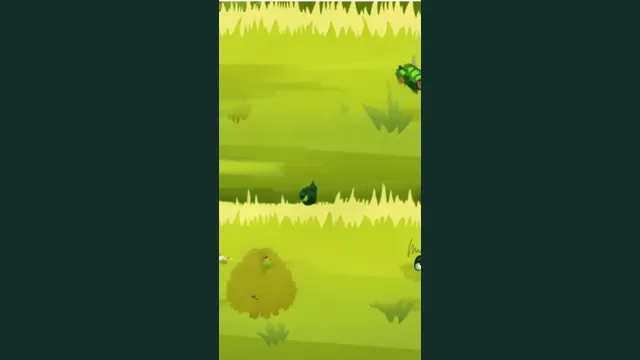
Game loads only when you press Play.
Click inside the game to focus controls. Press Enter to start supported arcade games. Use its help screen for keys and touch controls. Open game in a separate tab if the frame does not load.
Play hereMIT-licensed community arcade game
Whack-a-Bug browser game
Play here
Bonk the bugs as they pop up.
Search note: Whack-a-Bug (also listed as whack reflex). The source name and the project destination are documented separately on this page.
Project destination: github.com
How to start Whack-a-Bug
- Open the recorded project. Use the source link above to visit github.com.
- Check the setup before loading. The launch requirements for this destination remain unconfirmed. Follow the linked project’s current instructions.
- Follow the current on-screen controls. Project controls may change between builds; use its own help or settings when available.
What to know before you play
- MIT-licensed open-source arcade game. This is a community game, not an official commercial release.
- Hosted game files and artwork are from the linked source repository. Use the in-game help for controls.
Controls and supported devices
Click inside the game. Follow the on-screen instructions. Exact bindings are not independently documented here.
Documented device support: Desktop. An entry opening on a device alone does not confirm its input support.
Project status and source
The source link is preserved from the public game list. We have not confirmed the current requirements or a successful gameplay session.
Questions about Whack-a-Bug
Can I play Whack-a-Bug in a browser?
The launch requirements for this destination remain unconfirmed. Follow the linked project’s current instructions.
Does Whack-a-Bug need files from my own game copy?
This listing does not document a requirement to import your own game files. Check the linked project for its current access and setup terms.
Where does the Whack-a-Bug game link open?
The link opens github.com, the project destination recorded for this entry. Its current version and availability are controlled by that project.
Why might I see whack reflex listed for Whack-a-Bug?
Bonk the bugs as they pop up.
Keep exploring
Browse the browser-game directory, check the own-game-file requirements, or read the first-launch guide.